
The right meeting space helps people focus, participate, and leave with clear next steps. A room that looks polished may still be uncomfortable, noisy, or missing equipment your meeting depends on. Before you book, consider how many people will attend, what you need to discuss, and whether anyone will join remotely. Then check the seating, privacy, technology, and reservation details so the space supports the work instead of distracting from it.
Match the Seating to the Meeting
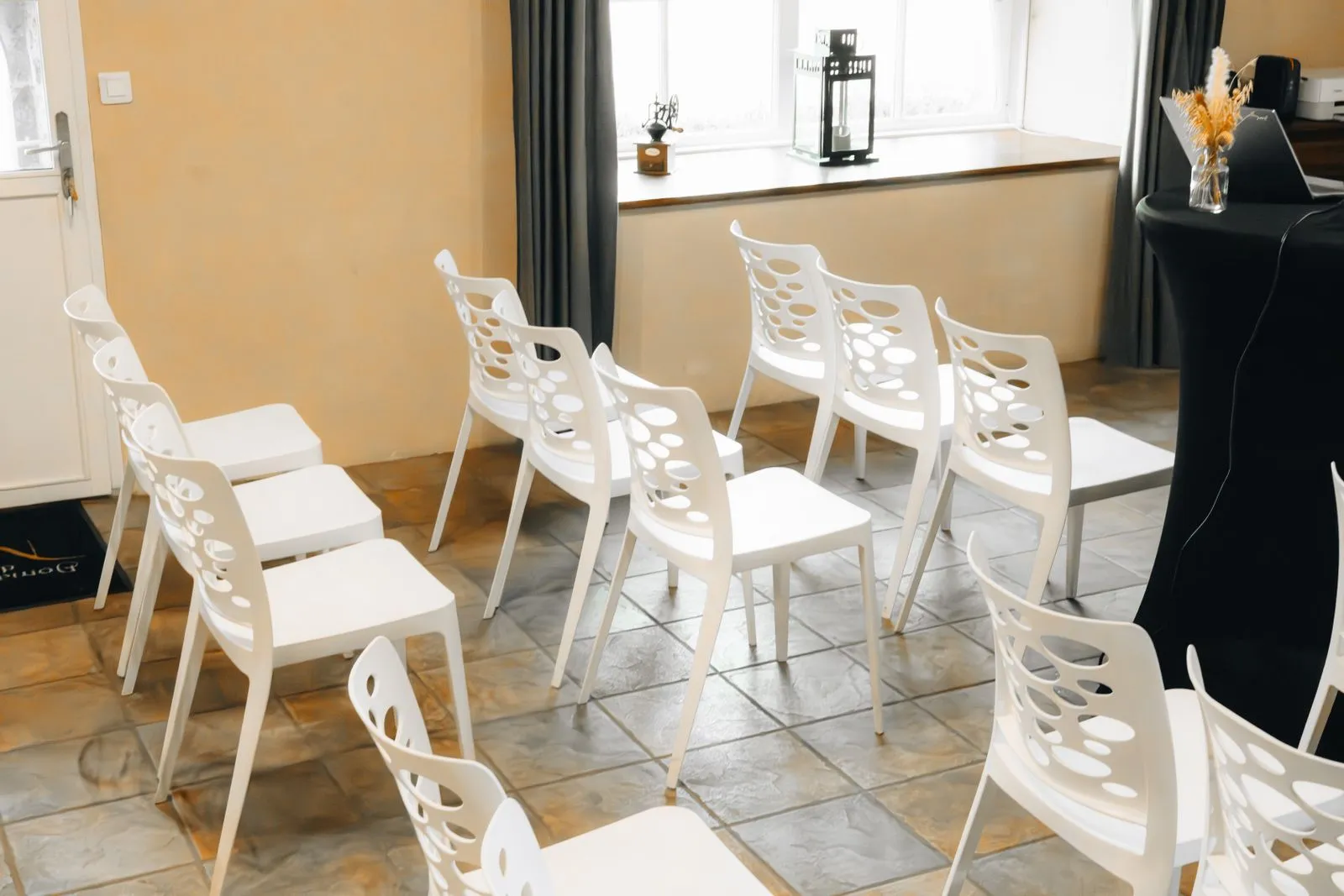
Start with your headcount and the format of the meeting. A boardroom table can work well for group discussion, while classroom-style seating may suit a presentation. Ask whether the room’s stated capacity leaves enough space for notebooks, laptops, and comfortable movement. If attendees need to collaborate, check that everyone can see one another and reach shared materials without rearranging the room.
Consider comfort for the full length of the session. Look for supportive chairs, a suitable table height, and enough room for people to sit without crowding. If participants will take notes or use laptops, confirm that each seat has a usable surface and access to power where needed. For longer meetings, ask about breaks or whether attendees can step out without disrupting the conversation.
Check Privacy and Noise
Think about how sensitive or confidential the discussion will be. A room with a door and solid walls offers more privacy than an open area, but sound can still travel through thin partitions. Ask whether conversations can be overheard from nearby work areas and whether the room is reserved exclusively for your group during the booking.
Noise matters even when confidentiality does not. Ask about foot traffic, nearby events, and what happens if another group meets next door. If you plan to record audio or hold a video call, a quiet room can make it easier for everyone to hear and be heard. When possible, visit the space or request a short walkthrough before reserving it.
Confirm the Technology
List the tools your meeting requires before you compare rooms. Common needs include reliable Wi-Fi, a display or projector, video-conferencing equipment, power outlets, and adapters for different laptops. Confirm what is included, what you must bring, and whether the display connects with your devices. Do not assume equipment will be ready simply because it appears in a room photo.
For a hybrid meeting, check the camera’s view, microphone coverage, speaker quality, and connection process. Ask whether someone can help test the setup before attendees arrive. If the meeting depends on a presentation, bring a backup copy of the file and any essential cables. A quick technology check can prevent delays and help remote participants follow the discussion.
Review Booking Details
Before confirming, verify the date, start and end times, room capacity, and total reservation period. Find out whether setup and cleanup time count toward the booking, and whether you can arrive early to test equipment. Check the cancellation and rescheduling terms, payment requirements, and any rules about food, visitors, or after-hours access.
Ask who to contact if the room is unavailable or equipment stops working. Confirm how you will receive entry instructions and whether the building has accessible routes, restrooms, and parking or transit options that suit your attendees. A coworking hub such as Launchpad Miami may offer meeting rooms alongside workspace, but compare the specific room and terms with your needs before you reserve.
A useful meeting space fits your group, protects the conversation, and has dependable technology and clear booking terms. Make a short checklist and confirm each item directly with the provider before paying or sending invitations. Once the details are settled, you can focus on the meeting itself. If you are comparing local options, contact Launchpad Miami to ask about available meeting spaces.